

How do I log in?
MyAccount is the best way to stay on top of your payments and view loan details. If you’re having trouble, see the steps below or call us at (800) 321-9637.

Before you log in:
Be sure to have your 7-digit Exeter account number handy, along with the last four digits of your (or the primary account holder’s) Social Security number and the ZIP code associated with the mailing address on the account.
Login steps
Follow these instructions to access your account.
Step 1
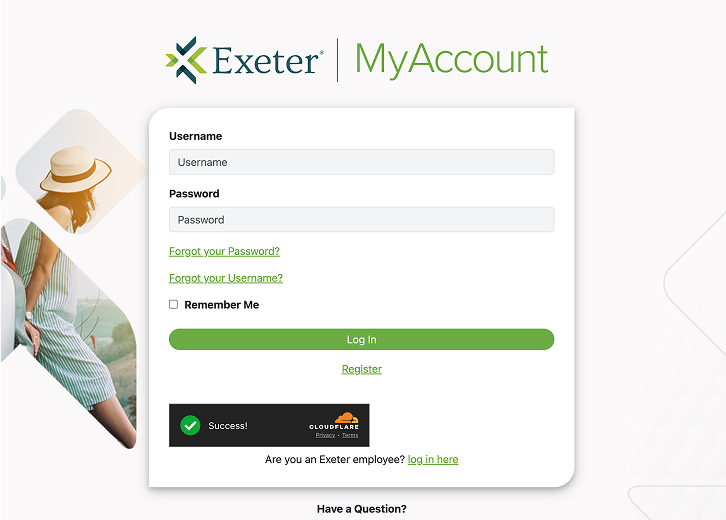
Visit MyAccount and click "Register" below the login button.
Step 2
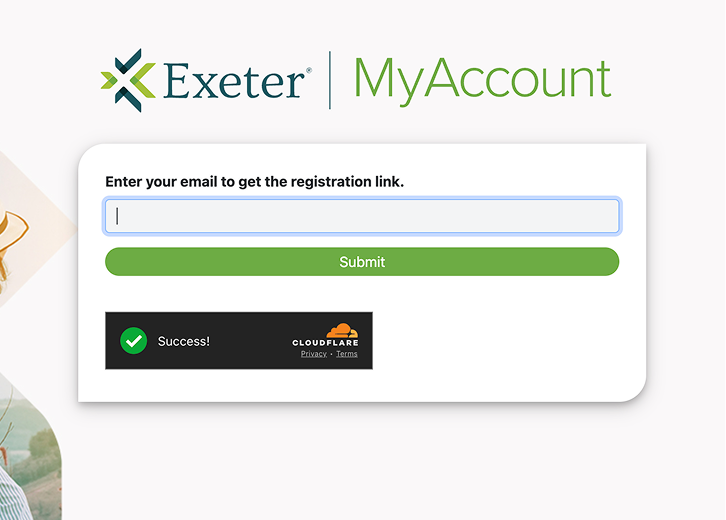
Enter your email to receive registration link.
Step 3
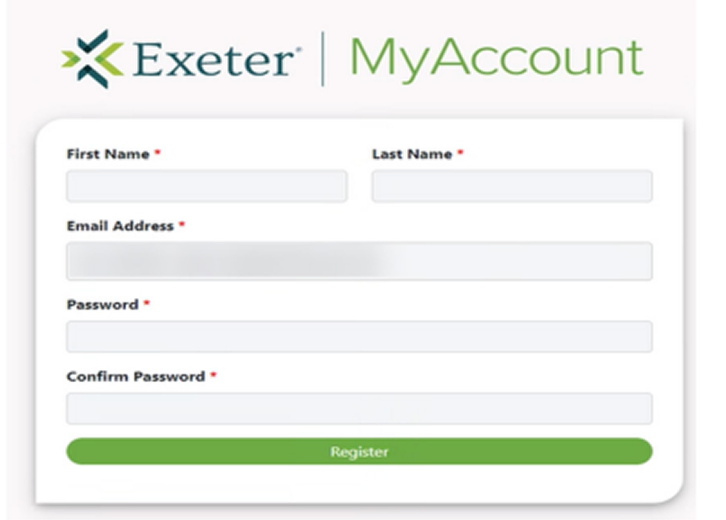
Create a user ID and password, then return to the login page.
No items found.
Improve your financial health
Explore our resource center for practical tips and tools to boost your financial literacy
